CADCraft: free, open-source CAD for people and AI agents
The AutoCAD-style drafting app from ArtCraft, rebuilt in pure Rust. Use it online now or download it free.
- License
- MIT or Apache-2.0
- Platforms
- Windows, macOS, Linux, FreeBSD, Web
- Files
- DWG, DXF, PDF, SVG, PNG
- Engine
- Pure Rust, GPU rendered
- Agents
- MCP, JSON control, CLI
- Release
- v0.5.0, in active development
What is CADCraft?
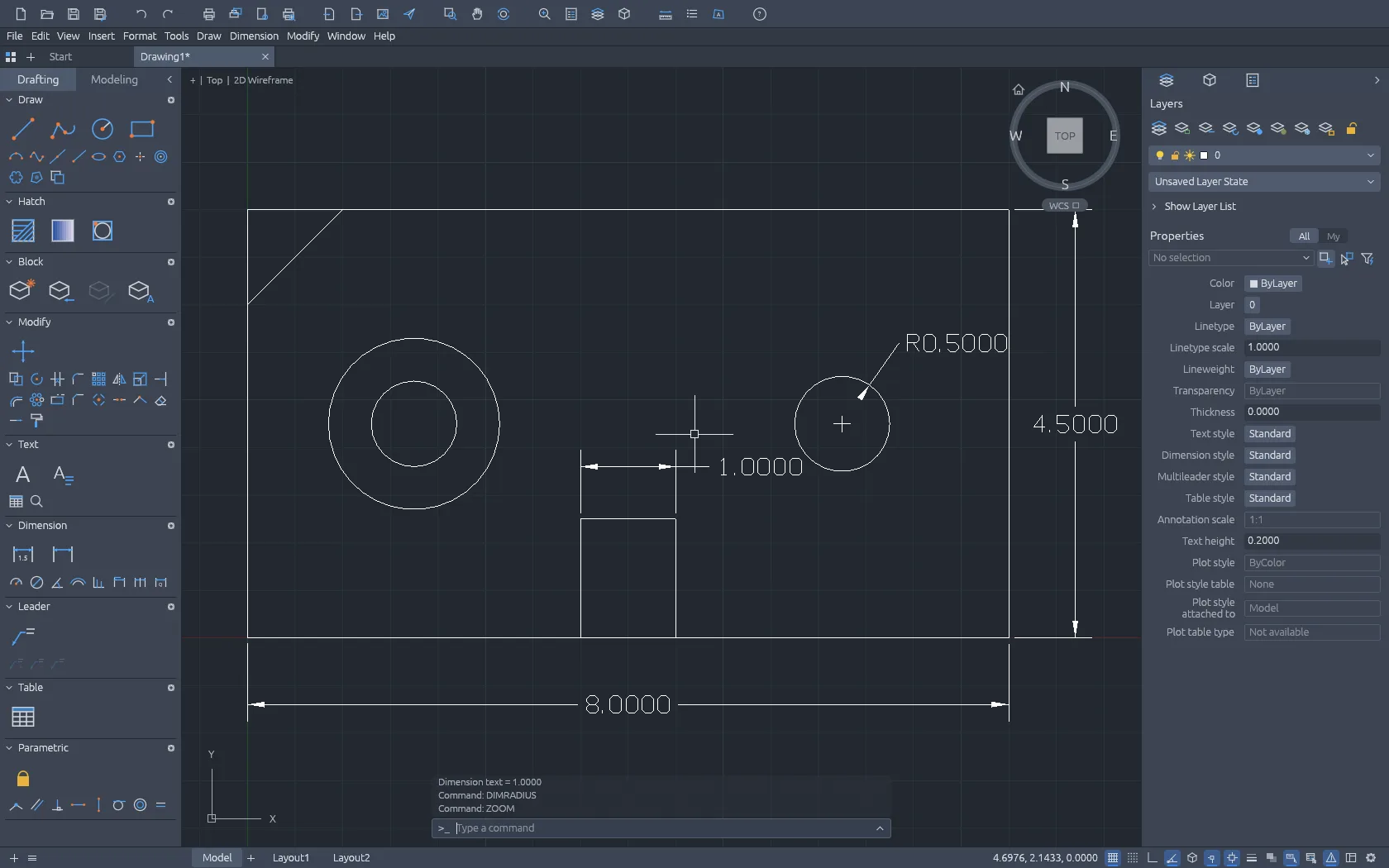
CADCraft is a free, open-source computer-aided design and drafting application. It recreates the AutoCAD-style workflow that architects, engineers, students and makers already know, as a clean-room project written from scratch in Rust. There is no license fee, no subscription and no account to create. You can download CADCraft for Windows, macOS, Linux or FreeBSD, or run the very same app in your browser through WebAssembly.
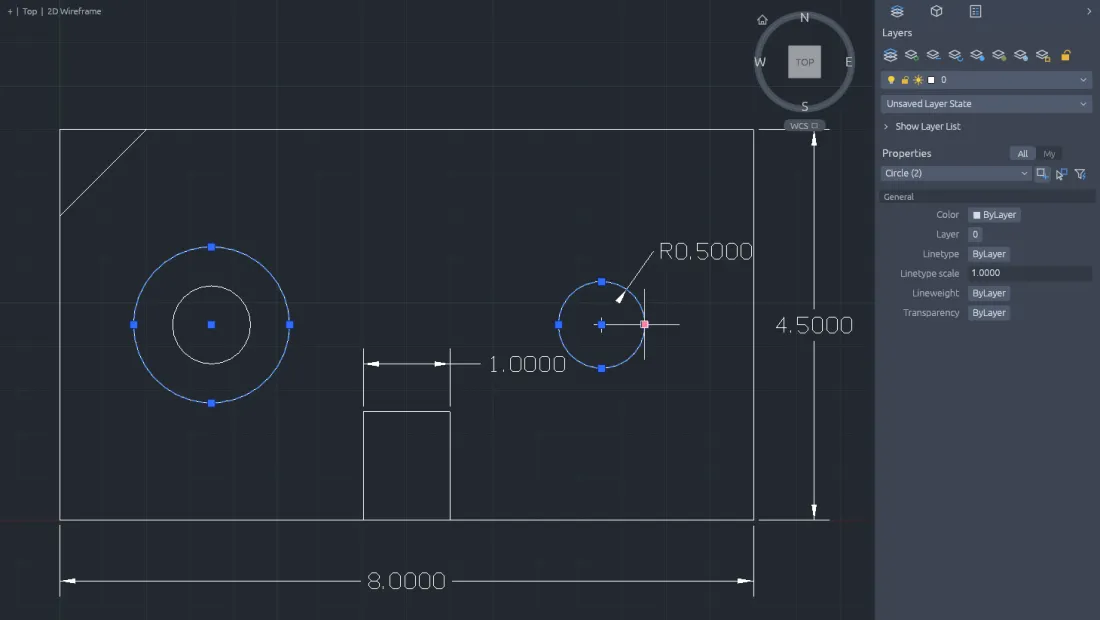
If you have used AutoCAD, CADCraft feels familiar within minutes. You type LINE, CIRCLE, OFFSET or TRIM at the command line, pick points with object snaps, use polar tracking and ortho, and repeat the last command with Enter, Space or a right-click. Drawings are organized with layers, annotated with associative dimensions, multileaders, tables and hatches, and laid out in paper space for plotting to scale.
What makes CADCraft different is who else can use it. Every menu item, tool and prompt is also a command that an AI agent can call. An agent can type into the command line like a person, send structured JSON, inspect the drawing to check its own work and render an image of the result. That makes CADCraft one of the first CAD programs designed from day one for automation and AI-assisted drafting.
CADCraft AI at cadcraft.org is an independent guide to the project. Here you will find a step-by-step CADCraft download guide, a hosted copy of CADCraft online, beginner tutorials and an honest comparison with AutoCAD.
Features
Everything you expect from a 2D drafting tool
Draw anything from lines to splines
All the core drawing commands, with keyword prompts, command history, AutoComplete and aliases. Enter coordinates as x,y, @dx,dy, @distance<angle or #x,y, or simply point in a direction and type a distance.
Commands
ArtCraft CADCraft: part of an open-source suite
CADCraft is developed by the ArtCraft team as one of its Crafting Apps, a family of open-source creative and technical tools rebuilt in Rust. That is why you will often see the project called ArtCraft CADCraft. The source code is public on GitHub, and every new CADCraft build is published on the project's releases page.
The ArtCraft Launcher installs CADCraft next to the other ArtCraft apps and keeps each one up to date. If you prefer, you can download a single CADCraft installer, a portable build or the self-hostable web version instead.
- Developer
- ArtCraft team
- Source code
- github.com/storytold/cadcraft
- Installer
- ArtCraft Launcher v0.3.2
- Official page
- getartcraft.com/apps/cadcraft
For AI agents
The AutoCAD-style app an AI agent can actually drive
Every menu item, tool and prompt in CADCraft is a command. Agents type at the command line like a person, call any command with JSON, inspect the drawing and render the result.
Connect Claude or any MCP client to CADCraft and ask it to draft a plate, dimension a part or convert a folder of DWG files. Because the agent can query entities and render screenshots, it checks its own work instead of guessing.
MCP server
Run cadcraft-cli mcp headless, or bridge it to the running app so Claude and other MCP clients can draw while you watch.
JSON control channel
Start the app with --control and send structured commands over a local socket.
Headless CLI
Script drawings, inspect files and batch-convert DWG/DXF to SVG or PNG in CI pipelines.
>cadcraft-cli mcp>cadcraft-cli mcp --connect 127.0.0.1:7979>cadcraft-cli run --sample --script 'CIRCLE 22,3 1\n' --save out.dxf --export out.png>cadcraft-cli convert drawing.dwg drawing.svg
MCP tools
command_lineexecuteinspect_drawingquery_entitiesrenderscreenshotui_clickCADCraft vs AutoCAD
CADCraft vs AutoCAD at a glance
AutoCAD remains the industry standard. CADCraft is a free, open alternative for 2D drafting, automation and AI workflows. Choose CADCraft when cost, Linux support, browser access or agent automation matter most. Stay with AutoCAD when you need full DWG fidelity, 3D modeling, industry toolsets or vendor support.
 CADCraft CADCraft | AutoCAD | |
|---|---|---|
| Price | Free | Paid subscription (about $2,000/year list price) |
| Source code | Open source (MIT OR Apache-2.0) | Proprietary |
| Platforms | Windows, macOS, Linux, FreeBSD, web | Windows, macOS, web app |
| AI agent control | Built in: MCP, JSON control, headless CLI | Autodesk AI assistants; APIs like AutoLISP and .NET |
| DWG files | Opens R13-2018, saves R2000 | Native DWG, full fidelity |
| Maturity | Early, fast development | Decades of production use, official support |
Download CADCraft for free
Windows users get a 64-bit MSI installer, Mac users a universal DMG for Apple silicon and Intel, and Linux users a Flatpak with AppImage, .deb and .rpm alternatives. Every official release ships SHA-256 checksums so you can verify the file.
Windows
v0.5.0 MSI x6464-bit MSI installer for most Windows 10 and 11 PCs
macOS
v0.5.0 DMG UniversalUniversal DMG for Apple silicon and Intel Macs
Linux
v0.5.0 Flatpak x86_64Flatpak for x86_64. AppImage, .deb and .rpm also available
Web
WebAssemblyNo install. Runs in your browser via WebAssembly
Learn CADCraft in minutes
Short, hands-on lessons you can follow in CADCraft online. Start with the command line, then move on to editing, export and automation.
Frequently asked questions
Open CADCraft in your browser
No download and no account. Start drafting with nothing to install.